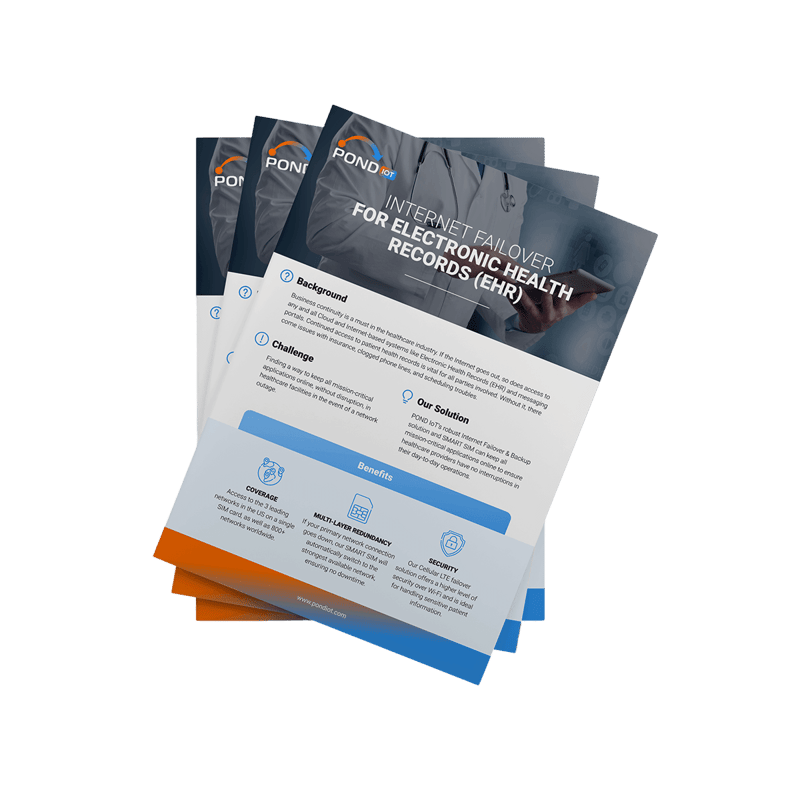


Keeping Electronic Health Records Accessible with Internet Failover
Background
Healthcare operations rely heavily on continuous access to digital systems. Electronic Health Records, scheduling tools, internal messaging, and insurance workflows all depend on a stable internet connection running in the background.
In most cases, that connection comes from a single fixed line. As long as it works, everything stays accessible and the system holds together without much attention.
The issue appears when that connection drops. Access to patient records can stop instantly. Staff may not be able to retrieve information, update records, or continue routine tasks. What is normally a smooth process turns into manual workarounds and delays.
In a healthcare environment, even a short disruption can affect how quickly and effectively teams respond.
Key Challenges in Healthcare Connectivity
Maintaining access to Electronic Health Records during an outage is one of the most immediate concerns. When systems go offline, staff lose visibility at the exact moment they need it most.
There is also the challenge of keeping core applications running. Scheduling platforms, communication tools, and insurance-related systems are all tied to internet access. Once the connection fails, multiple processes are affected at the same time.
At the same time, any backup solution must still handle sensitive patient data securely. Switching to unsecured alternatives is not a practical option in healthcare environments.
Use Case Scenario: Maintaining EHR Access During Outages
A healthcare provider operates with cloud-based systems that support both clinical and administrative work. Throughout the day, staff rely on these platforms to access patient records, coordinate internally, and manage appointments.
Under normal conditions, everything runs through the primary internet connection.
When that connection fails, access to these systems can stop immediately. Staff may not be able to retrieve Electronic Health Records, send updates, or continue routine workflows without interruption. Even a short outage can affect multiple departments at once.
To reduce that risk, the provider introduces an Internet Failover setup that activates automatically when the main connection goes down. Instead of losing access completely, traffic is redirected to a cellular LTE connection, allowing essential systems to remain available and operations to continue.
Impact of Traditional Connectivity
Traditional setups tend to depend on a single internet provider. As long as that connection stays stable, everything runs as expected.
Once the connection fails, there is usually no immediate backup. Systems that rely on cloud access become unavailable at the same time. Staff may need to delay tasks, switch to manual processes, or wait for the connection to return.
In healthcare, this creates more than inconvenience. It affects access to patient information, slows communication, and introduces friction into processes that are expected to run without interruption.
Implementation of Internet Failover
The setup introduces a second connection that is only used when the main one stops working.
A failover router sits between the local network and the internet line. It keeps checking the primary connection. If that line drops, traffic is redirected to a cellular LTE connection. This switch happens automatically.
From the staff’s point of view, nothing really changes. Systems may slow down for a moment, but access is not lost. There is no need to reconnect devices or move to another network.
The SIM used for the backup connection is not tied to a single carrier. It can connect to more than one network, depending on what is available in that location. That matters in areas where signal strength is inconsistent.
In healthcare environments, this also avoids falling back on public networks. Data continues to move through a controlled connection instead of open Wi-Fi.
Operational Benefits
When the primary line goes down, access to Electronic Health Records does not disappear completely. Staff can still open records, check information, and continue working.
That reduces the need to stop and switch to manual processes. Appointments can still be managed. Internal communication continues. The work does not pile up while waiting for the connection to return.
The switching itself does not require attention. It happens in the background, without adding extra steps for the team.
There is also less pressure to look for alternative connections during an outage. The backup is already in place and behaves as part of the same setup.
Using cellular LTE as a backup also keeps data traffic within a dedicated connection, which is important when handling patient information.
Outcome
With failover in place, outages still happen, but they no longer stop everything.
Access to core systems remains available. Teams continue working, even if the connection is not at full speed. The disruption becomes manageable instead of blocking.
Over time, this changes how outages are experienced. Instead of causing immediate delays and confusion, they become shorter interruptions that the system absorbs.
For healthcare providers, that means fewer breaks in access to patient information and more stable day-to-day operations.